13,000 WordPress Sites Are Hacked Every Day. Is Yours Next?
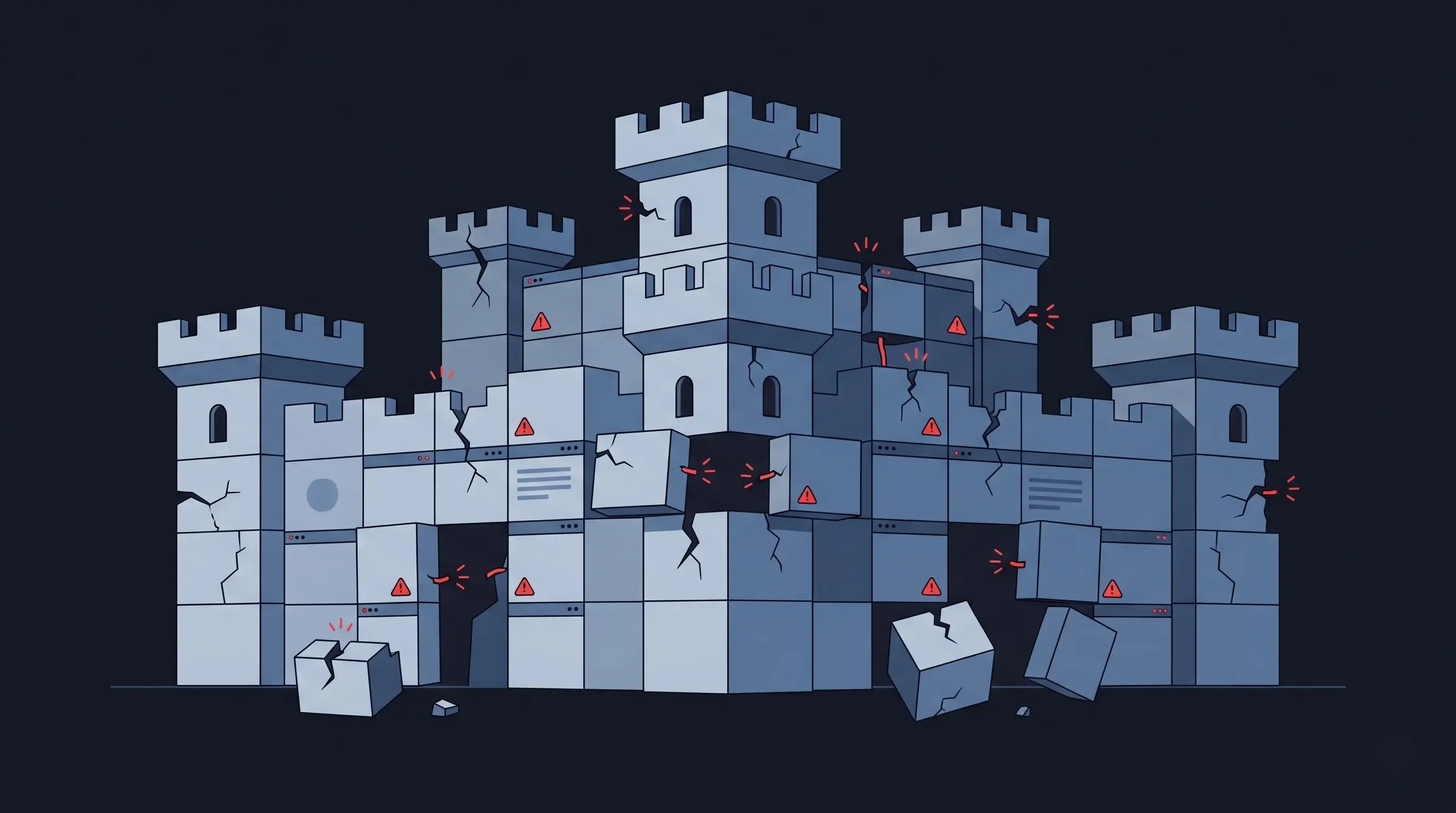
Let us start with a number that should make every WordPress site owner pause: 13,000. That is how many WordPress sites are successfully hacked every single day. Not probed, not attempted — compromised.
Annually, that adds up to roughly 4.7 million WordPress sites. With WordPress powering 43% of all websites on the internet, it has become the single most targeted content management system on the planet. And the attack surface is growing faster than ever.
In 2026, security researchers recorded 11,334 new vulnerabilities in the WordPress ecosystem — a 42% increase over 2024, which was itself a 34% increase over 2023. This is not a plateau. It is an accelerating crisis.
The Plugin Problem: 96% of All Vulnerabilities Come From Third Parties
Here is the structural issue that makes WordPress inherently difficult to secure at scale: WordPress core itself is reasonably secure. It is maintained by a team of dedicated engineers, follows responsible disclosure practices, and patches quickly. That is not where the problem lives.
96% of all WordPress security vulnerabilities originate from third-party plugins and themes. Not core — plugins. The very features that make WordPress flexible — its 60,000+ plugin ecosystem — are also what make it a perpetual security liability.
Why? Because most plugins are built by independent developers with varying levels of security expertise. They are not subject to rigorous security audits before being listed in the WordPress repository. And critically, many plugin developers fail to release a patch before a vulnerability is publicly disclosed — meaning the window between discovery and mass exploitation is measured in hours, not weeks.
The median time between public disclosure of a WordPress vulnerability and the start of mass exploitation by attackers is 5 hours. Not 5 days. 5 hours.
Attackers do not manually hunt for vulnerable sites. They run automated bots that continuously scan the internet for recognisable fingerprints of known vulnerable plugins. If your site has 30 plugins installed — a modest number for a typical WordPress site — each one is a potential entry point. Each update cycle is a race between you patching and an attacker exploiting.
The Anatomy of a WordPress Breach
How Attacks Actually Happen
Understanding the attack lifecycle helps clarify why WordPress sites are compromised so consistently — and why effort alone cannot protect them.
- Step 1 — Automated scanning: Bots continuously crawl the internet, detecting WordPress installations and identifying which plugins and versions are active based on file paths, script tags, and HTTP response headers.
- Step 2 — Vulnerability match: The bot cross-references detected plugin versions against known CVE databases. Sites running a vulnerable version are flagged automatically.
- Step 3 — Exploit execution: The exploit payload is deployed. Common attack types include Cross-Site Scripting (XSS), SQL Injection, Broken Access Control, and Local File Inclusion — all of which give attackers varying degrees of control over your database, content, or server.
- Step 4 — Persistence: Once inside, attackers typically plant backdoors that survive plugin updates, theme changes, and even full WordPress reinstalls — unless the underlying file system is cleaned.
The most alarming statistic: approximately 43-57% of discovered WordPress vulnerabilities require no authentication whatsoever. An attacker does not need to guess your password or trick an admin into clicking anything. They send a crafted HTTP request to your server and the vulnerable plugin does the rest.
What a Compromised Site Actually Costs
The Business Impact Nobody Budgets For
The immediate damage of a WordPress breach is obvious. But the full cost is almost always significantly higher than businesses anticipate:
- Incident response and cleanup: Professional malware removal and site forensics typically cost $500–$3,000 per incident. Complex infections requiring full database restoration cost more.
- Downtime revenue loss: A compromised site that serves malicious content or redirects visitors is typically taken offline by hosting providers. For businesses generating leads or revenue through their site, every hour offline has a direct cost.
- SEO damage: Google blacklists sites serving malware. Being removed from search results — even temporarily — can eliminate months of SEO progress. Recovery typically takes 30–90 days after the site is cleaned and the blacklist review is completed.
- Customer trust damage: Visitors who are redirected to spam, shown phishing content, or whose browsers flag your site as dangerous do not return. The reputational damage outlasts the technical incident.
- Data breach liability: If customer data is accessed — contact forms, e-commerce data, user accounts — there may be GDPR or CCPA notification obligations, legal exposure, and regulatory consequences.
A conservative estimate for a mid-sized business recovering from a serious WordPress breach: $5,000–$20,000 in direct costs, plus an indeterminate amount in lost organic traffic and customer trust.
The Treadmill You Cannot Get Off: WordPress Security Maintenance
The standard advice for WordPress security is reasonable: keep core updated, keep plugins updated, use a reputable security plugin, choose strong passwords, use two-factor authentication, back up regularly.
None of this is wrong. All of it is necessary. But here is the honest reality of what it costs to actually follow this advice at a professional level:
- A dedicated security plugin (Wordfence, Sucuri, or similar) costs $100–$500/year
- A managed WordPress hosting plan with built-in security monitoring runs $30–$100+/month
- Regular security audits, if done properly, require a developer every quarter
- After a serious incident, professional remediation costs $500–$5,000+
- And through all of this, the fundamental attack surface never shrinks — it grows with each new plugin you add
You are not solving the security problem. You are managing it, indefinitely, at ongoing cost. The treadmill never stops.
Why Headless Architecture Fundamentally Changes the Security Equation
The core reason WordPress is vulnerable is structural: it is a monolithic application where the database, the admin interface, the plugin execution environment, and the public-facing website all run on the same server, connected and accessible.
A Next.js + headless CMS architecture decouples these layers:
- The public-facing website is a statically generated collection of HTML, CSS, and JavaScript files served from a CDN edge network. There is no PHP runtime, no database connection, no WordPress admin interface — nothing for an attacker to inject into or authenticate against.
- The CMS admin panel (Payload CMS in our stack) is a separate application running on a separate server, protected by authentication, with no public-facing exposure of the database layer.
- The database is not publicly accessible. API calls between the Next.js frontend and the CMS are authenticated and rate-limited.
When a Googlebot, a visitor, or a malicious bot requests your homepage, they receive a static HTML file from a CDN node. There is nothing to exploit. There is no server to inject into. There is no database query to manipulate. The attack surface that WordPress plugins expose simply does not exist.
The most secure WordPress site is still a PHP application with a database exposed to the internet. The most basic Next.js static site has no server to attack.
Counter-Argument: "We Have a Security Plugin. We Are Protected."
Security plugins are valuable. They detect known malware signatures, block common attack patterns, and provide alerting when something goes wrong. We recommend them for any WordPress site that remains on WordPress.
But they do not change the structural reality. A WAF (Web Application Firewall) blocks known attack signatures — it cannot protect against zero-day exploits in plugins that were just released. A security plugin cannot prevent a vulnerability in a plugin it does not know about. And with 11,334 new vulnerabilities discovered in 2026, the known signature database is always running behind the actual threat landscape.
You are managing risk, not eliminating it. That is a meaningful distinction for any business where a breach has real consequences.
Conclusion: Security Should Be an Architecture Decision, Not a Plugin Decision
Choosing a platform is a security decision. WordPress made that decision in an era when the threat landscape was fundamentally different. It was designed as a blogging platform in 2003. The plugin ecosystem that makes it powerful today was not designed with the modern attack surface in mind.
If your business cannot afford a breach — if customer data, organic traffic, or site availability are critical to your operations — the question is not which WordPress security plugin to install. The question is whether you should be running a platform that requires this level of ongoing security management at all.
A headless architecture does not eliminate all security considerations. But it eliminates the largest class of WordPress vulnerabilities by architectural design — not by patching.
Concerned about your site's security posture? Book a free audit — we will assess your current WordPress stack and show you exactly what a headless migration would and would not change about your risk profile.