Webflow's Hidden Costs and Limitations: What They Don't Tell You (And Why Headless Is the Answer)
There's a moment every ambitious Webflow user eventually hits. Your site looks great. Your team knows the CMS. The marketing manager can update a blog post without filing a support ticket. Life is good.
And then — growth happens. Traffic spikes. You need a custom checkout flow. Your dev team wants to connect a third-party data source. Your SEO consultant flags Core Web Vitals scores that are dragging down rankings. Someone asks, 'Can we A/B test this hero section?'
Suddenly, Webflow's biggest selling point — its simplicity — starts to feel like a cage. This is the Webflow ceiling. And it's not a bug. It's a feature that was never designed for you to outgrow.
The Pitch vs. The Reality
Webflow's marketing is exceptional. The demos are slick. The promise of 'designer-friendly, developer-optional' resonates with busy teams. Here's what the pitch doesn't show you:
- Sites running in Webflow's hosting infrastructure with no option to self-host or choose your own CDN vendor
- A proprietary CMS that stores your content in their system, with export limitations
- A JavaScript execution model that hands control to Webflow's servers — not yours
- Pricing tiers that jump sharply the moment you need enterprise-grade features
Performance: When 'Fast Enough' Isn't Fast Enough
The Core Web Vitals Problem
Google uses Core Web Vitals — LCP (Largest Contentful Paint), INP (Interaction to Next Paint), and CLS (Cumulative Layout Shift) — as direct ranking signals. On standard Webflow sites, LCP scores between 2.5–4 seconds are common for image-heavy pages. Industry best practice is under 2.5 seconds. The difference between 2.4s and 3.1s can translate directly to drops in organic ranking position.
Why does this happen? Webflow loads a global JavaScript runtime to power its interactions engine, even on pages that have zero custom interactions. Every page visitor downloads Webflow's JS payload whether they need it or not.
Edge Caching: Webflow's Achilles Heel
Webflow Enterprise offers some CDN controls, but standard and CMS-tier plans have limited configuration for cache headers, ISR (Incremental Static Regeneration), or stale-while-revalidate strategies. Next.js, by contrast, gives you surgical control: static generation for pages that rarely change, ISR for blog and product pages that update regularly, server-side rendering for personalized content, and edge functions for geolocation-based content served in milliseconds globally.
This isn't developer trivia. It's the difference between a site that ranks #3 and one that ranks #8.
The CMS Lock-In Nobody Warns You About
Your Content Lives in Their House
Webflow's CMS is functional for straightforward use cases. But it has hard limits that grow more painful as your content operation scales. Collection items are capped at 2,000 or 10,000 depending on your plan. Custom field types are limited. Content relationships are basic. API access is read-only on paid plans. Multi-locale support is limited. Content workflows like drafts, approvals, and version history don't exist. Compare this to a headless CMS where all of these are table-stakes features.
The 'Can We Just Export?' Question
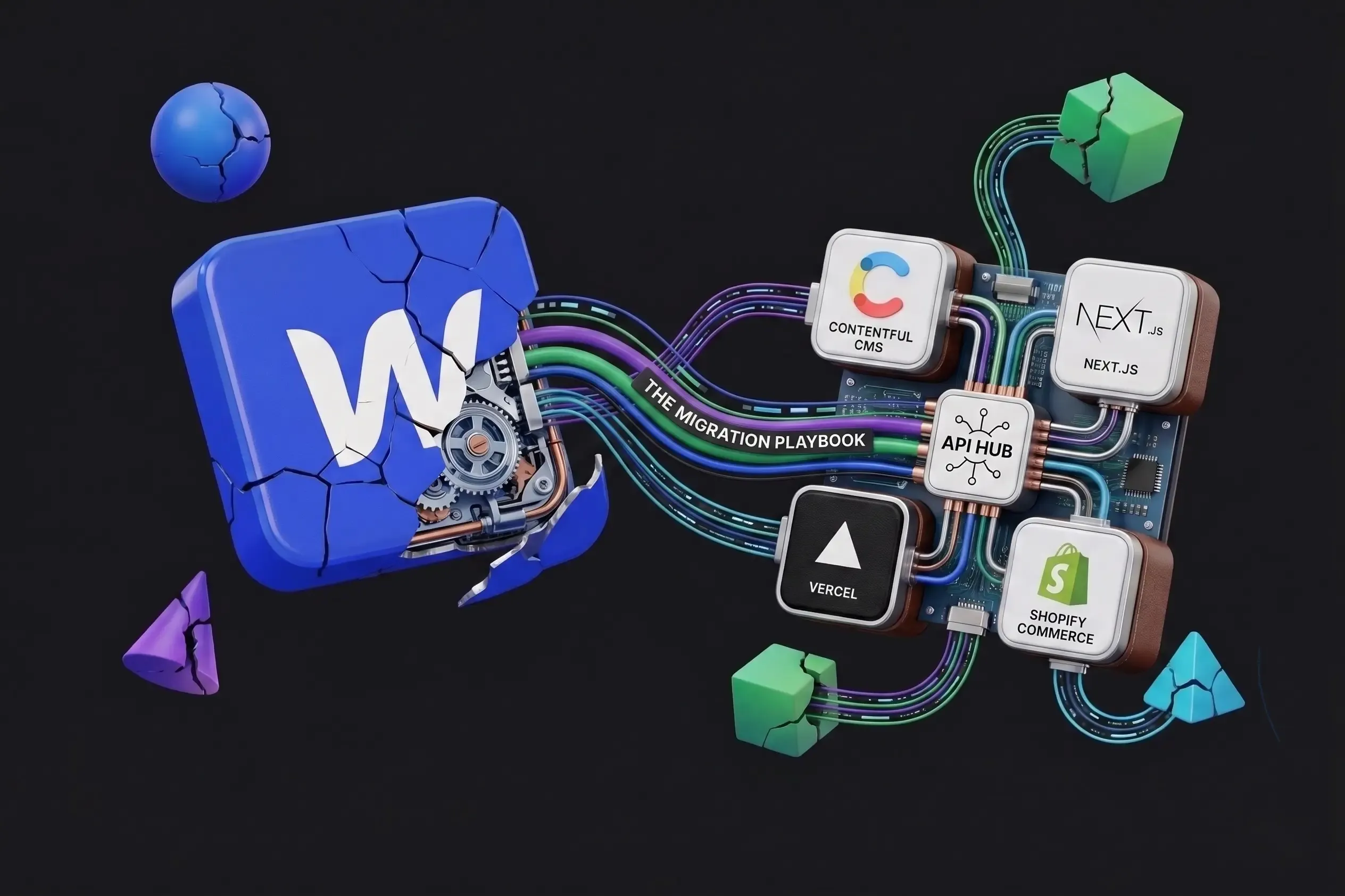
This is always the moment of reckoning. When a client wants to migrate from Webflow, they discover that the visual design can be exported but ships as messy, inline-style-heavy markup. The CMS content can be exported as CSV — but only field-by-field, with no rich text fidelity. Dynamic pages, interactions, and CMS bindings are entirely proprietary and must be rebuilt. This isn't migration friction — it's vendor lock-in by design.
Pricing: The Bill That Quietly Doubles
Let's run the numbers on a typical growing business. Webflow Business plan starts at $49/month. Add a second site? New plan. Add a developer seat? Add-on. Reach 10,000 CMS items? Upgrade. Need staging environments? Upgrade. Need form submissions beyond the limit? Upgrade. E-commerce? Separate pricing tier entirely.
Real-world total for a mid-sized company running 3 sites with a small team: $300–$600/month, minimum. Compare this to a headless stack: Payload CMS self-hosted runs at $0–$49/month, Vercel for hosting costs $0–$20/month on Pro. The headless stack has a higher initial build cost — we won't pretend otherwise. But the total cost of ownership over 24 months is dramatically lower for multi-site, multi-team operations.
Developer Experience: The Hidden Tax on Your Engineering Team
When 'No-Code' Becomes 'No Way'
Webflow's promise is that developers don't need to be involved. But the moment your product requirements get interesting, developers must get involved — and they're walking into a world of pain. Custom code lives in embed blocks with no component system, no version control, and no local dev environment. There is no Git workflow for Webflow. CSS overrides require !important hacks or matching specificity of Webflow's generated class names. JavaScript runs without TypeScript, modern bundlers, or tree-shaking.
Ask any senior developer who has been handed a 'quick Webflow project' what they think. The answer is almost universally a grimace. Next.js offers: full TypeScript support, component-based React architecture, Git-based deployments with preview environments per branch, a local dev server that mirrors production exactly, and access to the entire npm ecosystem — 2 million+ packages.
The Customization Wall — When Webflow Says 'No'
This list grows every quarter as businesses require more sophisticated web experiences. Real-time features like live chat, auction countdowns, or collaborative editing require WebSocket support Webflow doesn't have. Complex authentication beyond basic member areas is not recommended on Webflow. E-commerce at scale cannot handle complex inventory or B2B purchasing workflows. Personalized content, multi-tenant applications, and advanced SEO controls all require workarounds that fight Webflow's architecture. Every one of these is a table-stakes feature on a Next.js headless stack.
The Counter-Arguments — And Why They Don't Hold Up
- "But our team isn't technical." Headless doesn't mean your editors lose power. Modern headless CMSes offer beautifully designed editing interfaces your marketing team can use independently.
- "The rebuild cost is too high." True upfront — but every custom feature hacked into Webflow costs developer hours, every plan upgrade costs recurring dollars, and every performance issue costs SEO rankings. Migrations typically pay for themselves in 12–18 months.
- "Webflow is adding new features." True — but it is fundamentally a visual website builder, not an application framework. The features it adds will always serve that core use case, not yours if you've outgrown it.
Conclusion: The Question Isn't 'If' — It's 'When'
Every high-growth brand hits the Webflow ceiling. The only variable is how much it costs them before they acknowledge it. The performance hits. The mounting plan costs. The developer frustration. The CMS limitations. The content lock-in. These aren't isolated complaints — they're structural realities of a platform designed for a different scale of ambition than the one you now have.
Next.js gives you the performance, flexibility, and developer experience your team deserves. A headless CMS gives your editors the power they need without the lock-in. And when built correctly, the result is a site that is faster, more rankable, more customizable, and more durable than anything you could build in Webflow.
Ready to see what your site could look like on a modern headless stack? Book a free architecture consultation — we'll audit your current Webflow setup and map out a migration plan that minimizes disruption and maximizes ROI.