WordPress Was Built for Blogs. Your Business Has Outgrown It.
WordPress launched in 2003 as a blogging platform. Its first release was designed to make it easy for individuals to publish text to the internet. That is the entire scope of the original vision.
Twenty-two years later, it powers 43% of all websites on the internet — including e-commerce stores, SaaS product sites, media publications, government portals, and multi-location enterprise brands. It has been extended, retooled, and retrofitted for use cases its original designers never imagined.
And that retrofitting shows — not at the start, when everything is new and manageable, but as sites grow, as content volumes increase, as traffic spikes become more frequent, and as the business starts demanding things from its website that a 2003-era blogging engine was not architecturally designed to deliver.
WordPress powers 43% of the web. It was architected in an era when a busy blog had 1,000 daily visitors and the mobile web did not exist. The gap between what it was built for and what modern businesses need from it has never been wider.
The Monolithic Architecture Problem
What "Monolithic" Actually Means for Performance
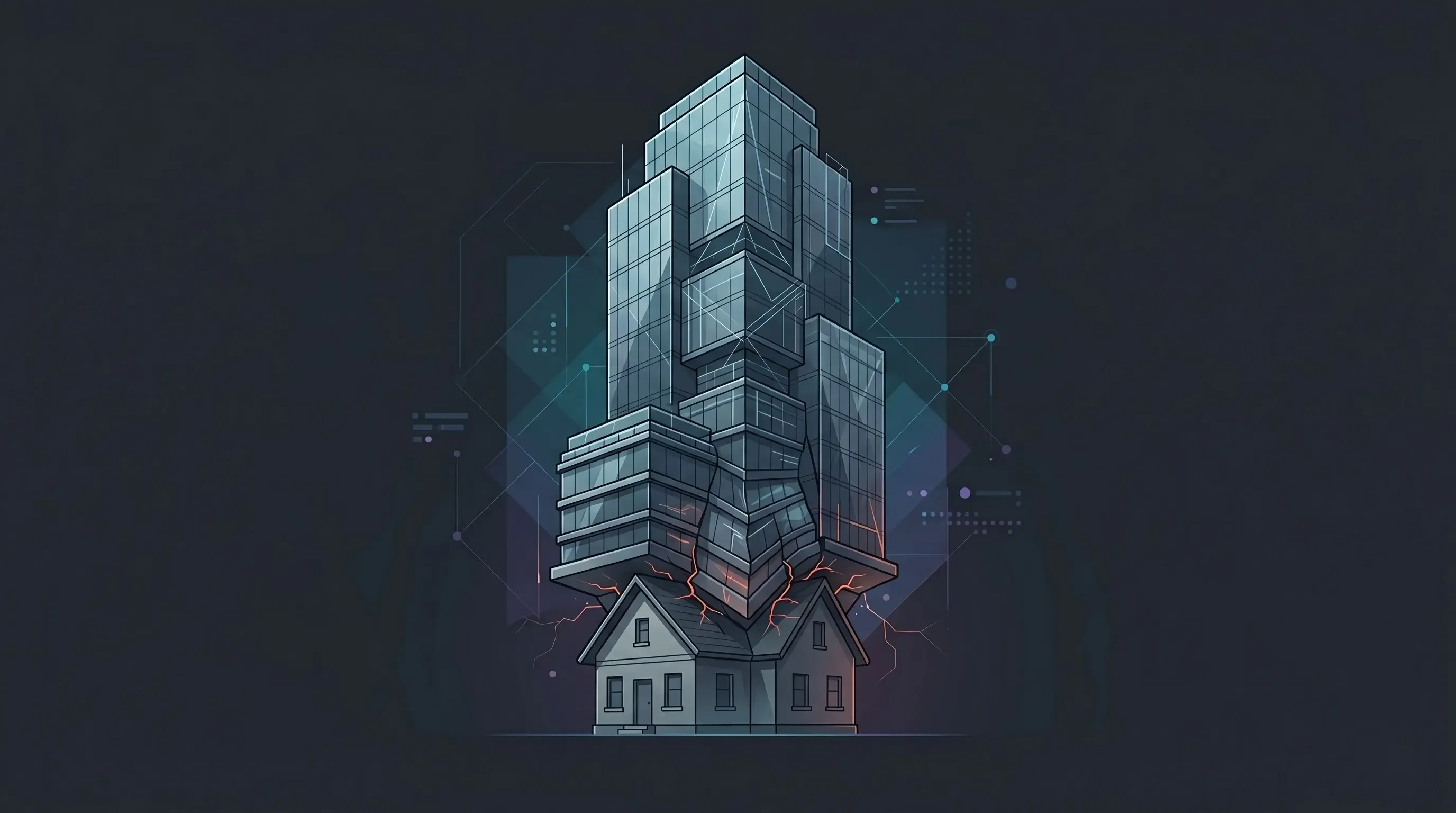
WordPress is a monolithic application: the content management system, the database, the templating engine, the business logic, and the public-facing website all live in a single codebase, running on a single server, processing every page request from scratch on every visit.
When a visitor lands on your homepage, here is what happens on a typical WordPress site:
- The web server receives the HTTP request and hands it to the PHP runtime
- PHP executes WordPress core, loading dozens of files and initialising the application
- WordPress queries the MySQL database to retrieve page content, navigation, widgets, and options
- Active plugins each execute their own queries, adding further database calls
- The templating engine (PHP or a page builder) combines the database results into HTML
- The completed HTML page is returned to the visitor
This entire process — from HTTP request to delivered HTML — happens for every single page request, from every single visitor, every single time. With caching, the worst of this can be mitigated. But caching is an optimisation of an inefficient process, not a solution to the underlying architecture.
Compare this to a Next.js static site: the page was built into a complete HTML file at deployment time. When a visitor requests it, a CDN node delivers the pre-built file in milliseconds. There is no PHP runtime, no database query, no template rendering, no application execution. The page loads from cache, globally, instantly.
Traffic Spikes: Where WordPress Reveals Its Limits
For a site with consistent, predictable traffic, WordPress can be tuned to perform adequately. The problems become dramatically visible when traffic deviates from the norm.
A product launch. A press mention. A viral social media post. A paid campaign that outperforms expectations. These are the moments a business website should shine — the moments when the most people are simultaneously discovering your brand.
They are also the moments most likely to bring a WordPress site down.
WordPress performance under sudden traffic spikes depends entirely on the underlying server infrastructure. Standard managed WordPress hosting plans have traffic limits. When those limits are exceeded, the server response time degrades sharply, pages begin timing out, and in severe cases the site goes offline entirely. Upgrading hosting plans on short notice is possible but not instantaneous — and a site that is slow or unavailable during peak interest moments causes real, measurable business damage.
A Next.js site served from a global CDN has no such ceiling. CDN edge networks are designed to handle orders-of-magnitude traffic increases without degradation. The same file that serves 100 visitors per hour can serve 100,000 visitors per hour from the same infrastructure.
Content at Scale: When the CMS Becomes the Bottleneck
The WordPress Database Under Pressure
WordPress stores all content — posts, pages, custom post types, options, metadata — in a MySQL database with a specific table structure that was designed for a blogging use case. As content volume grows, the limitations of this structure become performance constraints.
- The wp_postmeta table, which stores custom fields, grows very large for content-heavy sites and becomes slow to query without careful indexing
- Complex content relationships (content that references other content across multiple post types) require multiple database joins that degrade under load
- The WordPress options table stores all plugin settings and is loaded on every page request — as plugin count grows, this table grows, and load times increase
- Search functionality built on MySQL LIKE queries does not scale for large content libraries
For sites with fewer than 1,000 posts and modest custom field usage, these limitations are invisible. For content operations running tens of thousands of posts, complex taxonomies, and high query volumes, they become daily bottlenecks.
The Multisite and Multilingual Trap
Businesses serving multiple markets, regions, or languages face particularly acute scaling problems with WordPress. WordPress Multisite — the official solution for managing multiple sites from one installation — is complex to configure, difficult to maintain, and notoriously fragile under plugin updates.
Third-party multilingual plugins (WPML, Polylang) solve the immediate translation problem but add significant overhead: additional database tables, additional queries per page load, and complex compatibility requirements with other plugins. At scale, multilingual WordPress sites become one of the most expensive and difficult-to-maintain web architectures in common use.
The Developer Talent Problem
Here is a dimension of WordPress scaling that business owners rarely anticipate: the developer talent market.
PHP and WordPress development are declining as percentages of the web development job market. The most talented web developers today work in React, TypeScript, and modern JavaScript frameworks. They build with Next.js, deploy to Vercel, and work in team workflows built around Git, CI/CD pipelines, and containerised environments.
WordPress development — particularly page builder customisation, theme child-theming, and plugin development — is a specialist skill set that is increasingly separate from mainstream web development practice. Hiring a senior developer to work on a complex WordPress codebase is harder and more expensive than it was five years ago, because the pool of developers who both have the skill and want to use it is shrinking.
Next.js development, by contrast, uses skills that are among the most in-demand in the current job market. Every React developer is a potential Next.js developer. The talent pool is large and growing.
The Multi-Channel Delivery Gap
Modern businesses increasingly need their content to appear in more than one place: the website, a mobile app, a digital display network, a third-party marketplace integration, an AI assistant interface.
WordPress was designed to deliver content to a web browser. Its REST API provides some capability for multi-channel delivery, but it is not the architecture the system was built around. Integrating WordPress as a content backend for a native mobile app, for example, requires custom development work to work around WordPress's web-centric content model.
A headless CMS is API-first by design. The same content can be delivered simultaneously to a Next.js web frontend, a React Native mobile app, a digital signage system, and any other consuming application via clean, documented API endpoints. The content is created once and published everywhere, without custom integration work for each new channel.
The Counter-Argument: "WordPress Scales. Big Sites Use It."
This is true. The New York Times, TechCrunch, and numerous large media properties have run on WordPress. At enterprise scale, with significant infrastructure investment, caching layers, custom database configurations, and dedicated platform engineering teams, WordPress can be made to scale.
The relevant question is: what does that scaling cost, and who is doing the engineering work? Enterprise-scale WordPress deployments require significant, ongoing infrastructure engineering. That work is invisible when done by a large media company with a dedicated platform team. It is very visible — and very expensive — when attempted by a growing business without those resources.
For a business that wants to scale without building a dedicated platform engineering function, a headless architecture is not just better — it is the only realistic path to the performance and reliability that scaling requires.
Conclusion: The Right Tool for the Right Stage
WordPress was the right tool for a generation of websites. It democratised publishing and made the web more accessible in ways that genuinely mattered.
For many businesses today — particularly those with growing content operations, international audiences, multi-channel delivery requirements, or traffic that is difficult to predict — it is no longer the right tool. Not because WordPress has gotten worse, but because the requirements have grown beyond the architecture.
Recognising when you have outgrown a platform is not a criticism of the platform. It is good business judgment. The companies that wait until the pain is severe enough to force action pay significantly more for their migration than those that make a planned, strategic move while the cost is manageable.
The best time to evaluate whether your business has outgrown WordPress is before your next major traffic event, before your next content expansion, and before your next developer contract renewal.
Not sure whether you have outgrown WordPress? We will assess your current site's architecture, content volume, and traffic patterns and give you an honest answer — with data, not a sales pitch.