Why WordPress's Biggest Strength Is Also Its Most Dangerous Weakness
The plugin ecosystem is the single reason most businesses choose WordPress.
Need an SEO tool? There is a plugin. A contact form? A plugin. An e-commerce store, a booking calendar, a popup builder, a social media feed, a review system, a performance optimiser, a caching layer, a translation tool, a GDPR compliance widget? There are hundreds of plugins for each.
This is genuinely powerful. In no other platform can a non-developer stand up a feature-complete website in an afternoon. The plugin ecosystem is WordPress's superpower — and it is also its most dangerous architectural flaw.
"We had 47 plugins installed. After a major WordPress update, 12 of them needed updating, 3 of them conflicted with each other, and 1 of them caused our checkout to break for 6 hours on a Friday afternoon." — E-commerce Director, retail brand
How the Plugin Ecosystem Becomes a Structural Liability
The Dependency Stack Problem
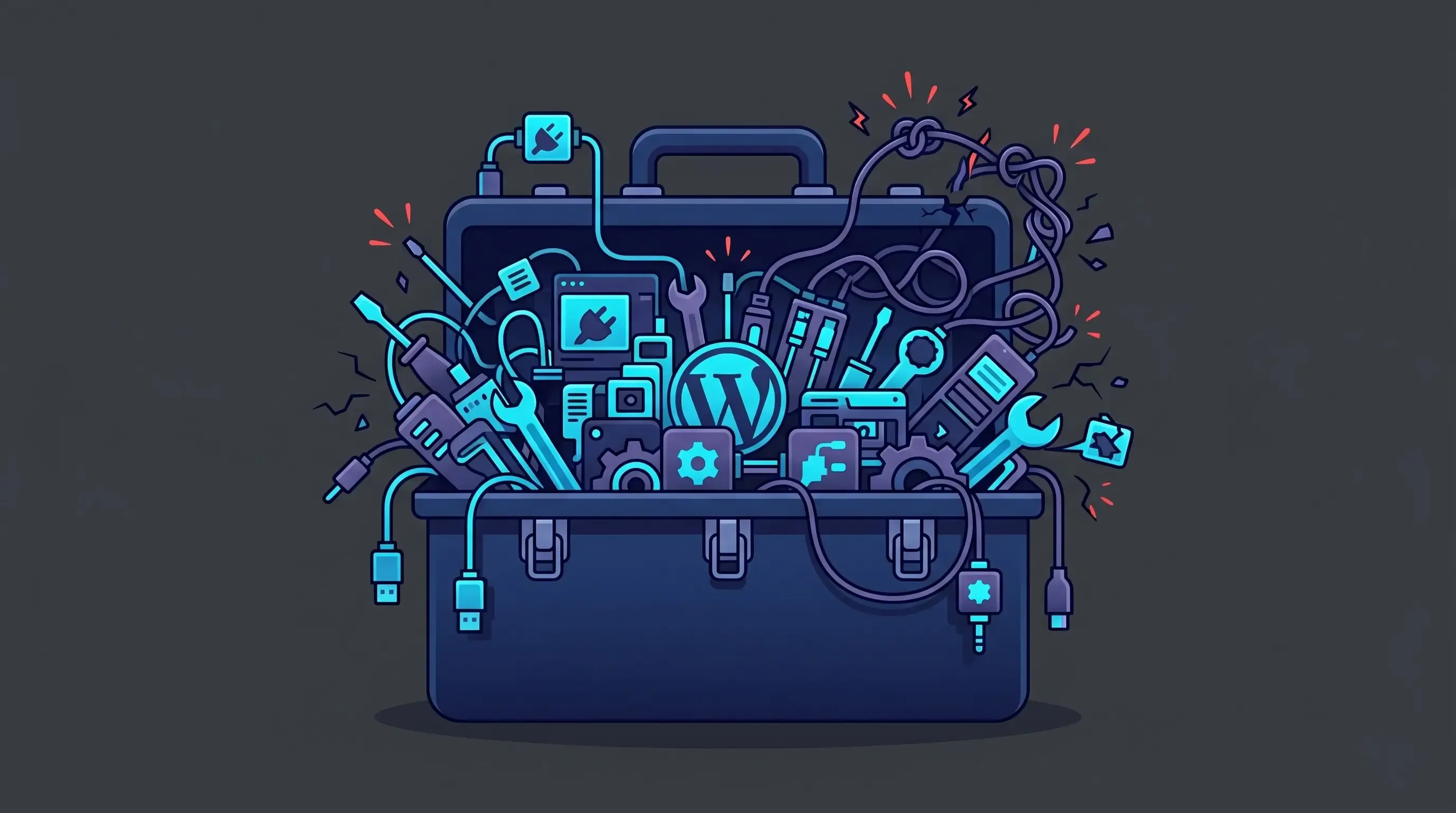
Each plugin your site installs is a dependency. Each dependency has its own code, its own database queries, its own PHP processes, and its own update cadence. When you install 20, 30, or 40 plugins — typical for a full-featured WordPress site — you have created a complex dependency graph that nobody fully understands.
WordPress does not manage plugin compatibility. It does not have a package lock file that ensures a tested set of versions is used across environments. When you update Plugin A, you may discover that it now conflicts with Plugin B — not immediately, but subtly, in a way that only manifests under specific user interactions or traffic conditions.
Plugin conflicts are the most common cause of mysterious WordPress bugs: features that stop working without explanation, layout elements that appear or disappear unpredictably, forms that intermittently fail to submit. Diagnosing them requires systematically disabling plugins until the conflict is isolated — a process that can take hours and typically requires developer involvement.
The Update Cycle That Never Ends
WordPress plugins require updates. Not occasionally — constantly. Security patches, compatibility updates for new WordPress versions, PHP version compatibility, feature additions that change plugin behaviour. A typical business WordPress site with 20–30 plugins receives update notifications multiple times per week.
Here is the problem: every update is a risk. Updating a plugin on a live production site without testing can break functionality that depends on the previous version. Not updating exposes you to known security vulnerabilities. There is no safe option — only risk management.
Best practice is to maintain a staging environment that mirrors production, test all updates there first, and then apply them to the live site. This is the right approach. It is also time-consuming, requires infrastructure to maintain, and is rarely done consistently by teams without dedicated developer support.
- Testing each update on a staging environment before deploying: 15–30 minutes per update
- For a site with 25 plugins receiving updates 2–3 times per week: 30–90 minutes of maintenance per week
- Annualised: 26–78 developer hours per year spent exclusively on plugin update management
- At $100/hour: $2,600–$7,800/year in developer time, for updates alone
This is the maintenance treadmill in concrete terms.
Plugin Abandonment: The Silent Time Bomb
The WordPress plugin repository contains over 60,000 plugins. Many of them are excellent, well-maintained, and actively supported. Many others are not.
Plugin abandonment is one of the least-discussed WordPress risks. A plugin that was excellent when you installed it three years ago may now have a developer who has moved on, a company that has been acquired or shut down, or a codebase that has not been updated for compatibility with the current WordPress or PHP version.
When a plugin is abandoned:
- Security vulnerabilities are not patched, even when discovered and reported
- Compatibility with new WordPress or PHP versions is not maintained
- The plugin may be removed from the WordPress repository (and auto-updates stop)
- Your options are: find an alternative plugin and migrate functionality, pay a developer to maintain a fork, or continue running an unsupported plugin indefinitely
For core site functionality — e-commerce, membership, forms, SEO — discovering that a critical plugin has been abandoned is a significant operational crisis, not a minor inconvenience.
The Performance Cost of Plugin Proliferation
Every active plugin adds weight to your WordPress site. This weight takes several forms:
- Database queries: Plugins query the WordPress database on every page load. A poorly optimised plugin can add dozens of additional database queries per request. As plugins accumulate, query counts multiply and page load times increase.
- PHP execution time: Each plugin's PHP code runs on every page load (unless carefully optimised). More plugins mean more PHP execution time, directly increasing server response time.
- JavaScript and CSS payloads: Most plugins load their own JavaScript and CSS files, often on every page regardless of whether the plugin's functionality is used on that page. A contact form plugin loading its JavaScript on your blog posts serves no purpose and slows every page down.
- Admin panel bloat: Plugin-heavy WordPress admin panels become slow and unwieldy. The delay between clicking and action in the backend accumulates into daily friction for content editors.
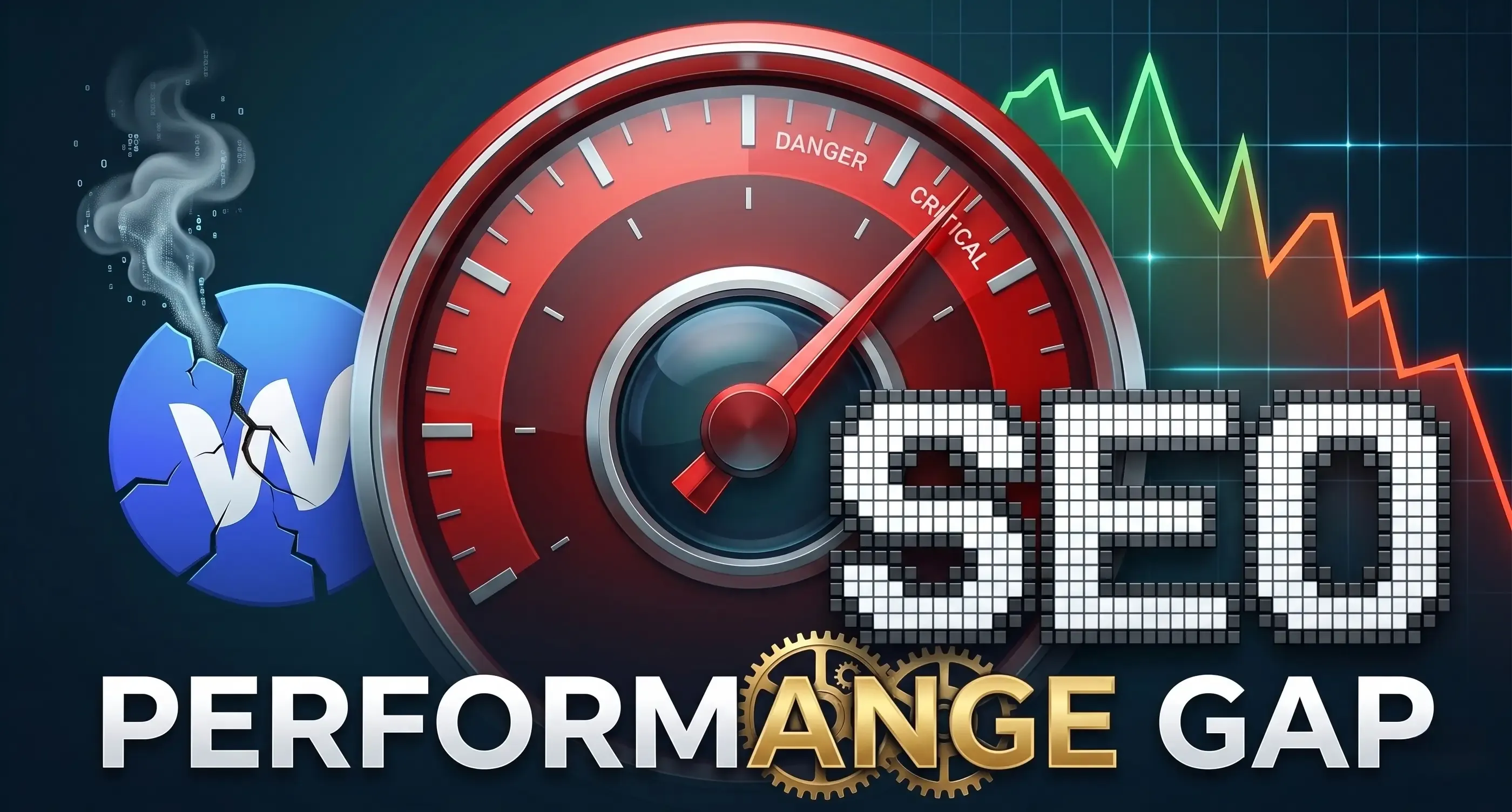
The typical result: a WordPress site with a full plugin stack scores 35–65 on Google Lighthouse Performance. Industry best practice is 90+. The gap directly affects search rankings, bounce rates, and conversion rates.
The Illusion of Ownership
Here is a dimension of the plugin dependency that businesses rarely consider until they want to migrate: you do not own your functionality. You rent it from plugin developers.
The e-commerce store functionality is provided by WooCommerce. The membership system by MemberPress. The booking calendar by WPForms or Amelia. The SEO infrastructure by Yoast or Rank Math. If any of these providers change their pricing, discontinue a feature, or shut down, your site loses functionality that your business depends on — and you must respond immediately.
This is not hypothetical. Plugin pricing changes, feature removals, and business closures happen regularly in the WordPress ecosystem. Every premium plugin subscription is a vendor relationship that can change on 30 days' notice.
On a Next.js + Payload CMS stack, the functionality is built as code that you own. There are no plugin subscriptions, no vendor dependencies for core features, no risk of a third party removing functionality from your site. The code lives in your repository under your control.
What the Alternative Looks Like
On a headless stack, the plugin ecosystem does not exist — because it does not need to. The features that WordPress delivers through plugins are delivered through:
- React components (owned, version-controlled, tested in your repository)
- npm packages (open-source, lockfile-managed, with consistent version pinning)
- CMS custom fields and block types (defined in your own Payload schema)
- Third-party APIs (Stripe for payments, Resend for email, etc.) integrated directly without middleware plugins
There is no update treadmill, because there is no plugin ecosystem. There are npm package updates, which are also maintenance — but they are managed by your development team using proper version control, with testing pipelines that catch breaking changes before they reach production.
Conclusion: The Plugin Ecosystem Is a Leaky Abstraction
WordPress plugins are a remarkable achievement in accessible software. They democratised web development in a way that changed the internet.
They are also a fragile architecture for businesses that depend on their website for revenue. The dependency graph is opaque. The update cycle is perpetual. The performance cost accumulates invisibly. The vendor risk is real. And the ownership model means the functionality you depend on is always one business decision away from disappearing.
The businesses that understand this are not abandoning plugins one by one. They are changing platforms — moving to architectures where core functionality is owned code, not rented plugins, and where the maintenance burden is dramatically lower by design.
Wondering which of your WordPress plugins represent the highest risk or cost? Book a free audit and we will analyse your plugin stack, identify abandonment risks, and model out what each plugin would look like as owned functionality on a headless stack.