The Headless CMS Myth-Busting Guide: 7 Things You Have Been Told That Are Not True
If you have been researching headless CMS and talking to developers about it, you have probably encountered a range of opinions that feel contradictory. Some developers say it is obviously the right choice for any serious website. Some business owners have heard it is impossibly expensive. Some marketers have been told they will lose editorial control forever.
Most of these opinions are based on a combination of genuine past limitations (that have since been resolved) and motivated reasoning (from people with a stake in your decision). This post addresses the seven most common myths we encounter in conversations with business owners considering a headless architecture.
Myth 1: "Headless CMS Is Only for Enterprise Companies"
This was closer to true in 2018–2020, when the dominant headless CMS platforms (Contentful, Contentstack) were priced and positioned for enterprise budgets. A mid-market company looking at a $5,000–$50,000/year CMS subscription was reasonably deterred.
The landscape has changed significantly. Payload CMS is open-source and self-hosted — the CMS itself costs nothing in licensing fees. The hosting overhead for a Payload installation is $20–$50/month on modern deployment platforms. The architecture is accessible to any business that works with a development team experienced in Next.js and TypeScript.
The question is not whether headless is financially accessible — it clearly is. The question is whether the business has (or can access) the development capabilities to build and maintain the frontend. For businesses working with a capable agency or with an in-house development team, this is not a barrier.
Myth 2: "Non-Technical Editors Cannot Use a Headless CMS"
This myth persists because early headless CMS platforms genuinely did have poor editor experiences — JSON editors, no preview capability, and admin interfaces that felt like developer tools rather than content management systems.
Payload CMS's editorial experience is purpose-built for content teams. The admin panel presents structured fields with appropriate input types (rich text, media uploads, date pickers, relationships, toggle switches). Editors do not interact with JSON or API endpoints. They interact with a clean, focused interface that is often simpler and less confusing than the WordPress admin panel — because there are no plugin settings, no theme customisation panels, and no page builder toolbars to accidentally navigate.
Live preview is also available — editors can see their content changes rendered in the actual website design before publishing, using draft preview URLs that share content in context with stakeholders.
The editorial experience of a modern headless CMS is not a compromise. For many content teams, it is a significant improvement over the sprawling, plugin-heavy WordPress admin they were using before.
Myth 3: "Headless CMS Is Bad for SEO"
This myth has a specific historical origin: early headless implementations used client-side JavaScript rendering, meaning Googlebot had to execute JavaScript to see the page content. Because Googlebot's JavaScript rendering was slower and less reliable than its HTML crawling, these sites did see SEO issues.
Modern headless implementations using Next.js do not have this problem. Next.js uses Server-Side Rendering (SSR) and Static Site Generation (SSG) to deliver fully pre-rendered HTML to Googlebot. When the crawler requests a page, it receives complete HTML with all content present — no JavaScript execution required. The page loads faster, is indexed more reliably, and can achieve Core Web Vitals scores that are structurally superior to equivalent WordPress sites.
Additionally, Next.js gives developers programmatic control over every SEO element: meta tags, canonical URLs, Open Graph images, structured data (JSON-LD), sitemap generation, and robots.txt configuration. These are not plugin-dependent — they are code that is tested, version-controlled, and deployed as part of the application. The result is more reliable SEO implementation, not less.
A headless site done correctly is not SEO-neutral compared to WordPress — it is SEO-superior. The performance gains alone translate to measurable ranking improvements for competitive keyword clusters.
Myth 4: "You Will Lose the Plugin Ecosystem You Depend On"
This concern is most common among businesses that have built significant functionality on WordPress plugins: e-commerce via WooCommerce, membership via MemberPress, forms via WPForms, etc.
The reframe is important: you are not losing functionality — you are changing how functionality is delivered. On a headless stack:
- E-commerce is handled by Stripe, a dedicated commerce API, or a purpose-built headless commerce platform — typically more robust and scalable than WooCommerce
- Forms are handled by a service like Resend or Mailchimp API, or by server-side form handlers in Next.js API routes
- Authentication and membership is handled by dedicated services (Clerk, Auth0, or custom Next.js middleware)
- SEO is handled programmatically in Next.js — no plugin required
In each case, the functionality is more reliable (purpose-built tools beat WordPress plugins at their specific job), more performant (no PHP plugin overhead), and owned as code in your repository rather than rented from a plugin developer who can change pricing or discontinue the product.
The transition requires planning — mapping each plugin's functionality to its headless equivalent and building or integrating it properly. But the end result is a more robust, more maintainable, and more secure implementation of the same capabilities.
Myth 5: "A Headless Migration Will Take a Year and Cost a Fortune"
This perception often comes from conversations about enterprise-scale migrations — companies with thousands of pages, complex editorial workflows, and deeply customised WordPress setups. Those migrations do take time. But they are not representative of what a typical business-scale migration looks like.
For a typical marketing site with 20–60 pages, a blog, and standard content types, a properly scoped headless migration takes 6–10 weeks from kickoff to launch. This includes:
- Content audit and architecture planning (1 week)
- CMS configuration and content type schema (1 week)
- Frontend development: core pages and components (3–4 weeks)
- Content migration from the existing CMS (1 week, overlapping with development)
- QA, redirect mapping, and DNS cutover (1 week)
The cost depends on the complexity of the design and feature requirements — but it is not categorically more expensive than a comparable WordPress rebuild. And the post-launch maintenance cost is significantly lower because there is no plugin update treadmill, no security overhead, and no performance degradation over time from accumulated plugin bloat.
Myth 6: "We Will Still Be Dependent on Developers for Everything"
This concern misunderstands how the dependency is distributed on a headless stack versus a traditional CMS.
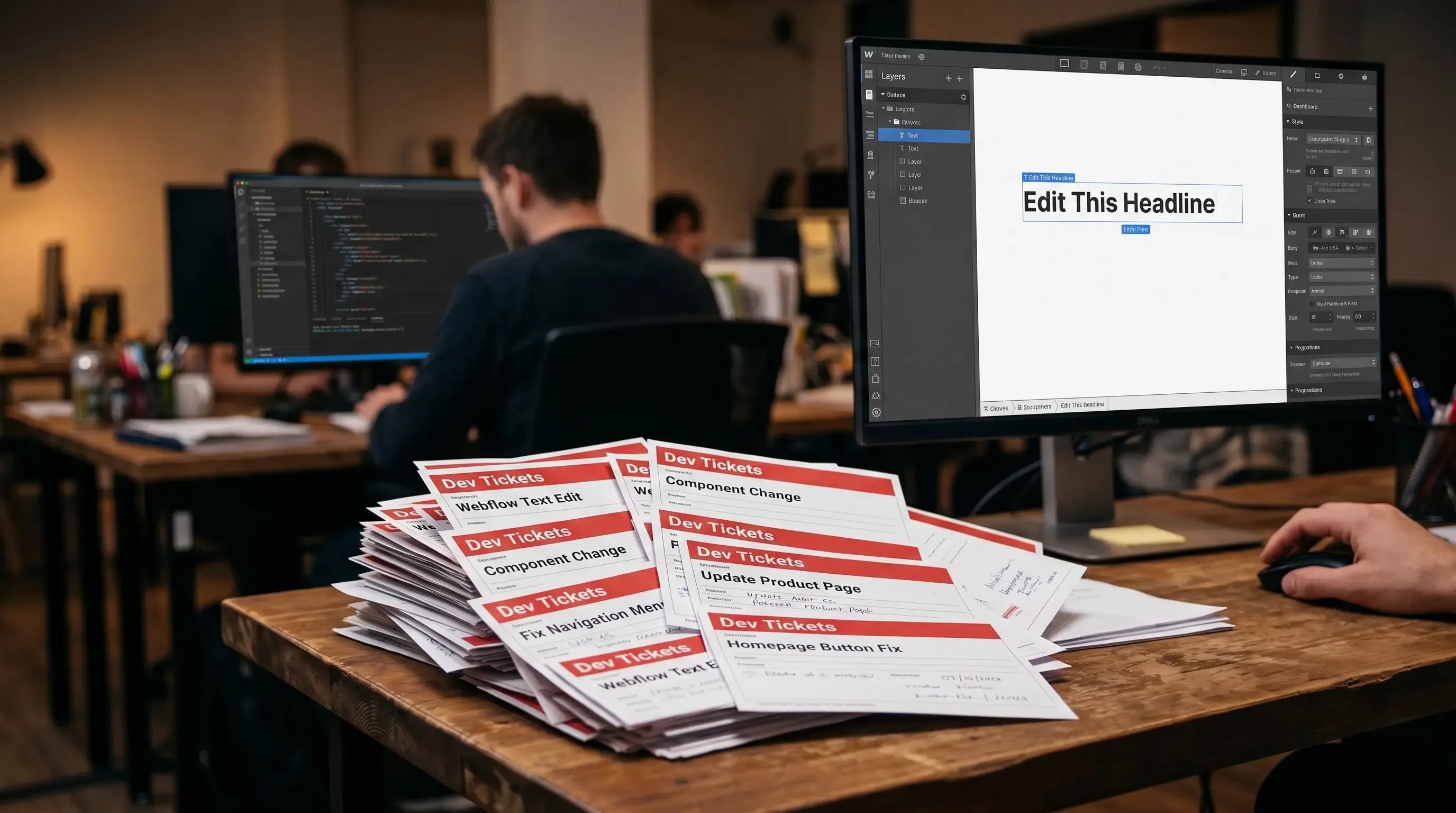
On WordPress, content editors are dependent on developers for anything that touches the design: updating homepage sections, adding new landing pages, changing layouts, managing page builder components. This is precisely where the developer bottleneck is most painful — content operations that should be self-service require developer involvement because the content and the design are coupled.
On a headless stack, the design and the content are decoupled. Content editors independently manage all content: writing blog posts, updating copy, managing media, publishing landing pages with pre-built block types, scheduling content, creating preview links for stakeholder review. They do not need a developer to change a headline or publish a case study.
Developers are needed for design changes: new page layouts, new component types, frontend feature additions. This is the correct division of responsibilities. Developers build and maintain the product. Content editors operate the content. Neither blocks the other.
Myth 7: "Our Current CMS Is Good Enough"
This is the most common and most understandable position. The current setup works. The site is live. Content gets published. Why change something that is not obviously broken?
The answer is that the costs of “good enough” are typically invisible until they crystallise into a crisis: a security incident, a traffic spike that takes the site down during a product launch, a developer invoice for a month of plugin update management, a Google ranking drop from accumulated Core Web Vitals degradation.
The businesses that switch from reactive platform management to proactive architecture decisions are the ones that make the change before those costs become unavoidable — not after. A planned migration, on a timeline and budget you control, costs significantly less than an emergency migration under pressure.
The relevant question is not “is our current CMS working today?” It is “will our current CMS still be the right platform in 18 months, given where our content operations and business are going?” If the answer is uncertain, the time to evaluate alternatives is now, not after the next incident.
Conclusion: The Myths Are Understandable. The Reality Is More Straightforward.
Most of the fears around headless CMS are based on either outdated information or misapplied enterprise-scale concerns. Modern headless tooling — particularly the combination of Payload CMS and Next.js — delivers an editor experience that content teams genuinely prefer, an SEO profile that outperforms traditional CMS, and a maintenance burden that is dramatically lower than the WordPress treadmill.
The architecture is not right for every business at every stage. But for growing businesses with serious content operations and a development relationship, it is increasingly the most rational choice — not a luxury, not an experiment, but the platform that serves the next several years of growth better than the alternative.
Still have concerns we have not addressed? Book a 30-minute call and ask us anything. We would rather you make the right decision for your business than make any decision at all.