Headless CMS Explained Without the Jargon: What Your Business Actually Needs to Know
"Headless CMS" sounds like a term invented specifically to make business owners feel out of the loop. It sounds technical, esoteric, and possibly unnecessary — something your developers want and you are supposed to just approve the budget for.
It is none of those things. The concept is genuinely simple, and understanding it takes about ten minutes. More importantly, understanding it helps you make a better decision about your website — one of the most consequential infrastructure decisions a modern business makes.
This post explains headless CMS in plain English. No jargon, no developer prerequisites, no acronym soup. Just the concept, what it means for your business, and how to know whether it is the right choice for you.
Start Here: What a Traditional CMS Actually Does
To understand what “headless” means, you first need to understand what a traditional CMS does. WordPress is the clearest example.
A traditional CMS is two things bundled together in a single package: a content management system (where you write and store your content), and a website (how that content is displayed to visitors). These two things — the content and the presentation — are tightly linked. The blog post you write in the WordPress editor is formatted and displayed using a WordPress theme. The homepage you edit is built and rendered by WordPress templates. Everything is connected.
This is convenient, especially when you are getting started. You do not need to think about how the content gets from the database to the screen — WordPress handles it automatically. That convenience is exactly why WordPress powers 43% of all websites.
But that tight connection — the thing that makes traditional CMS easy to start with — is also its fundamental limitation. Because your content and your website are bundled together, you cannot easily use that content anywhere else. Your content lives inside WordPress, and it can only be displayed the way WordPress displays it. On your website. In your theme. Using WordPress templates.
What “Headless” Actually Means
A headless CMS separates the two things a traditional CMS does: it keeps the content management backend (the “body”) but removes the website presentation layer (the “head”). That is the entire origin of the word: a CMS without a “head.”
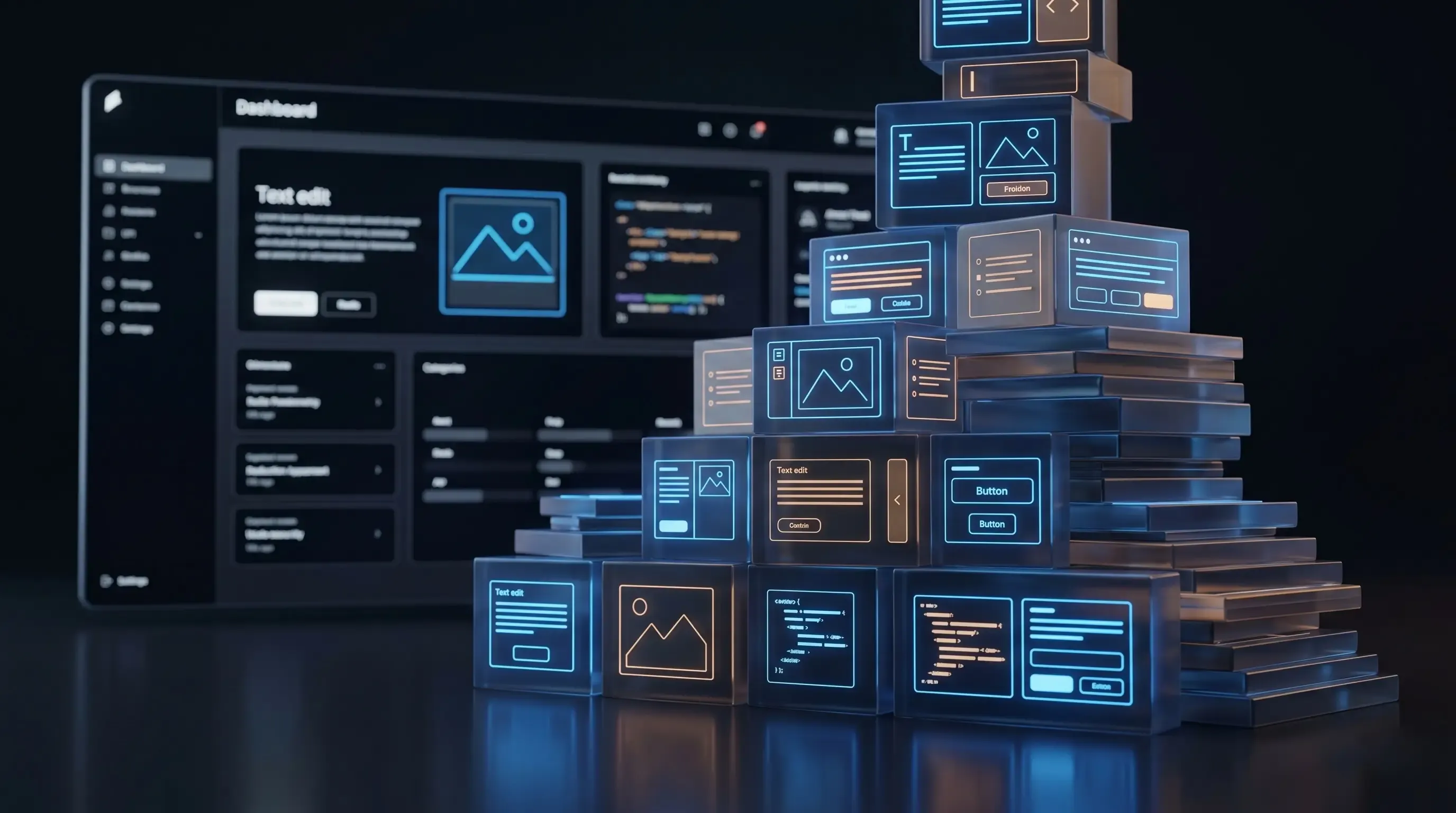
Instead of outputting content as a finished web page, a headless CMS stores your content and makes it available through an API — a standardised way for software applications to talk to each other. Whatever system needs your content — a website, a mobile app, a kiosk display, an AI assistant — requests it from the API and receives it as structured data.
The “head” — the part that turns that structured data into something a human sees and interacts with — is built separately, using a modern web framework like Next.js. This is the frontend: a custom application built by developers that fetches content from the CMS and renders it exactly as the design requires.
Think of it this way: a traditional CMS is like a restaurant that only delivers food in its own containers, using its own routes, to addresses it decides. A headless CMS is like a professional kitchen that prepares whatever is ordered and hands it off to any delivery service going anywhere.
What This Looks Like in Practice
On a headless stack, here is what the day-to-day experience looks like for different people on your team:
- The content editor: Logs into the CMS admin panel (in our case, Payload CMS). Writes blog posts, updates page content, adds team members, publishes case studies. The interface is clean and focused on content — no design canvas, no layout tools, no risk of breaking the website by clicking the wrong thing.
- The developer: Builds React components in Next.js that fetch content from the CMS via API. The design is implemented in code, version-controlled, tested, and deployed independently of the content. A new landing page layout is a code change, not a page builder operation.
- The visitor: Sees a website that loads fast, looks exactly as designed, and works perfectly on any device. They have no idea — and no reason to care — how the technology behind it is structured.
The Business Benefits: Why This Architecture Matters
1. Your Content Can Go Anywhere
Because your content lives in an API rather than a web template, it can be consumed by any application. Today it might just be your website. Next year, you might launch a mobile app for your customers, integrate content into a partner portal, or feed product information to an AI assistant. On a headless stack, all of these scenarios require connecting a new consumer to the existing API — not migrating your content platform.
2. Performance That Would Be Impossible on WordPress
A Next.js frontend pre-renders pages as static HTML files at build time. When a visitor requests your homepage, a CDN node delivers a pre-built file in milliseconds. There is no server-side rendering, no database query, no application execution on request. The result is Lighthouse Performance scores of 90–100 and Core Web Vitals times that are structurally unachievable on a traditional CMS platform running server-side PHP.
3. Security by Architecture, Not Configuration
The public-facing website contains no server-side code, no database connection, and no admin interface. An attacker sending a request to your homepage receives a static HTML file from a CDN. There is no WordPress admin panel to brute-force, no plugin vulnerabilities to exploit, no PHP runtime to inject into. The attack surface that makes WordPress sites so frequently compromised simply does not exist on the public frontend.
4. Editor Independence Without Design Risk
Content editors work in a structured interface with clearly defined fields. They cannot accidentally break the design because the design is not part of the CMS — it is built as code in the Next.js application. An editor updating the homepage hero headline fills in a text field. The way that text appears on the website is determined by the React component, not by the editor.
5. Future-Proofing Your Content Investment
Your content — every blog post, every case study, every product description, every team bio — is stored as structured data in a database you own. If you decide to redesign the website in three years, the content moves with you. The design changes; the content does not need to be migrated. If you switch frontend frameworks, the content stays. If you add new channels, the content is already API-ready.
Is Headless Right for Your Business?
Headless is not the right answer for every business at every stage. Here is an honest assessment:
- Good fit: You have an established business where website performance, security, and editorial experience are genuine concerns. You have a development relationship (agency or in-house) with React/Next.js expertise. Your content strategy is growing and you want to future-proof the infrastructure.
- Not yet a fit: You are a very early-stage startup that needs to launch yesterday with no development resources. Your website is a simple, static brochure with minimal content operations. You have no technical team and no budget for one.
The inflection point for most businesses is when one of the following becomes true: the current CMS is visibly limiting performance or SEO, the content team is spending significant time waiting for developer help, security incidents have occurred, or growth plans include channels beyond the website.
Conclusion: The Technical Concept Is Simple. The Business Implications Are Significant.
Headless CMS is not a trend or a developer preference. It is a structural architecture that decouples content storage from content presentation, enabling better performance, better security, better editor experience, and better future-proofing than a traditional monolithic CMS can provide.
Understanding the concept does not require a computer science degree. Making a good decision about whether to adopt it just requires understanding your business needs and matching them to the architecture that serves them best.
Want to see a headless CMS in action? Book a 30-minute demo and we will walk you through the exact setup we build for clients — from the editor experience to the frontend performance — and answer any questions in plain English.